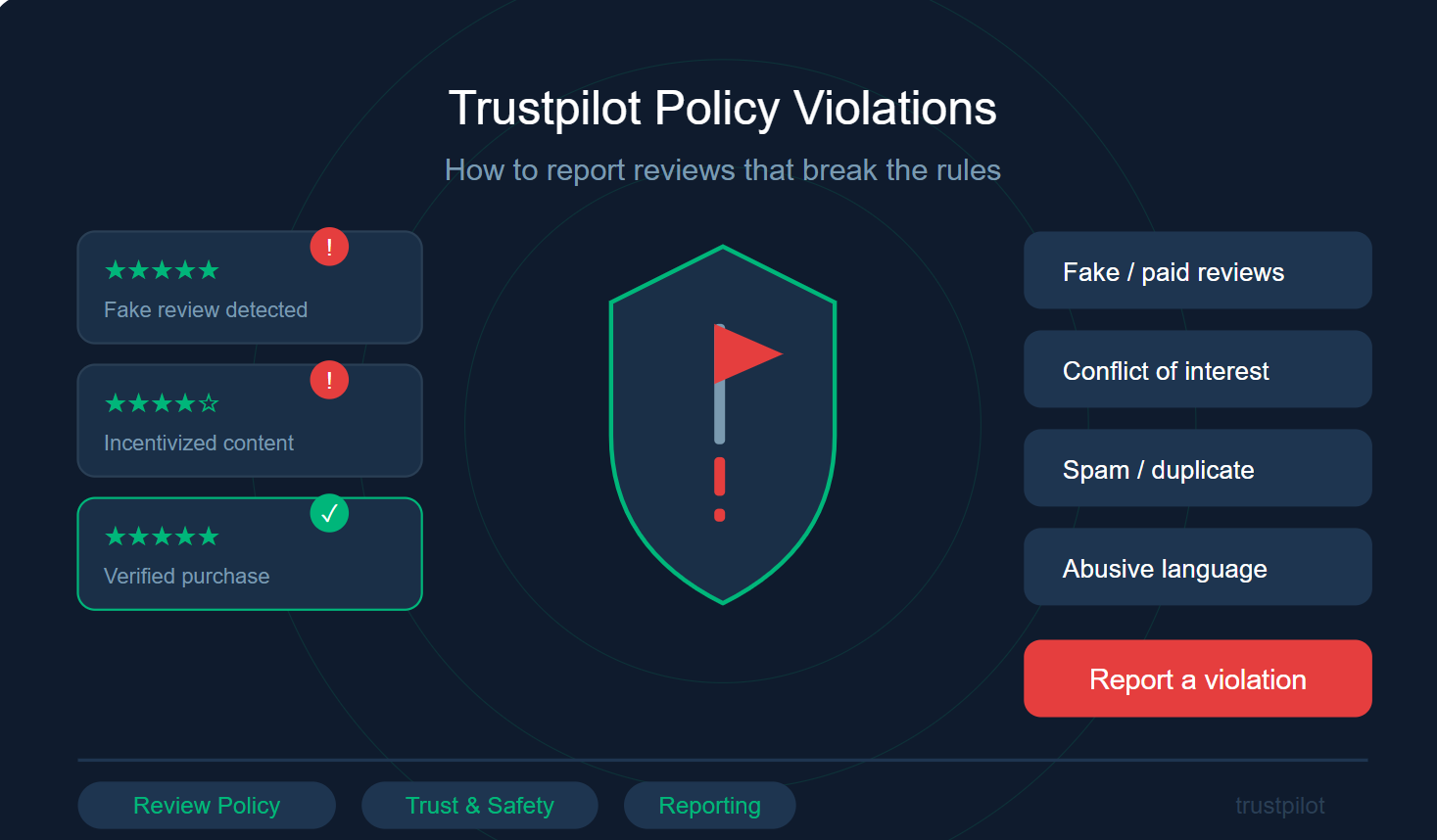
Online reviews shape buying decisions more than ever and platforms like Trustpilot play a crucial role in maintaining consumer trust. But what happens when reviews cross the line?
In this SEO-optimized guide, you’ll learn how to identify Trustpilot policy violations, report unfair reviews, and help keep the review ecosystem honest and reliable.
Why Reporting Trustpilot Reviews Matters
Authentic reviews benefit everyone:
Consumers get accurate insights before making purchases
Businesses receive fair, constructive feedback
Platforms maintain credibility and transparency
Reporting a review isn’t about removing negative opinions it’s about ensuring that feedback is genuine, relevant, and respectful.
When users actively flag violations, it strengthens the integrity of the entire system.
Common Trustpilot Policy Violations
Before reporting, it’s important to understand what actually breaks the rules. Here are the most common violations:
1 Fake or Incentivised Reviews
Reviews written in exchange for money, discounts, or freebies
Suspicious patterns (multiple reviews from the same source)
2 Irrelevant Content
Reviews that don’t describe a real customer experience
Spam, promotional content, or unrelated commentary
3 Hateful or Harmful Language
Personal attacks, threats, or harassment
Discriminatory or offensive remarks
4 Wrong Business
Feedback intended for a different company
Misplaced reviews due to confusion or error
How to Report a Review on Trustpilot (Step-by-Step)
Flagging a review on Trustpilot is quick and easy. Follow these steps:
1. Find the Review
Go to the company’s Trustpilot profile and locate the review you want to report.
2. Click the Flag Icon
Hover over the review and click the “Report” or flag option.
3. Select the Violation Type
Choose the category that best matches the issue:
Fake review
Harmful content
Irrelevant content
Other policy violations
4. Add Details and Submit
Provide a short explanation. Clear context helps the moderation team act faster.
5. Wait for Review
Trustpilot’s Content Integrity team evaluates the report. Most cases are resolved within a few days.
Pro Tip for Business Owners
If you manage a business profile on Trustpilot, you can report reviews directly from your business dashboard. This often leads to faster handling, especially for:
Repeated fake reviews
Competitor attacks
Urgent reputation issues
What Happens After You Report a Review?
Once submitted, the Content Integrity Team will:
Review the flagged content against Trustpilot guidelines
Decide whether to remove, keep, or investigate further
Contact the reviewer if additional proof is required
Important:
Even businesses cannot remove legitimate negative reviews. Trustpilot ensures decisions remain fair and unbiased.
Best Practices Before Reporting
To improve your chances of success:
Double-check that the review actually violates guidelines
Provide specific and factual explanations
Avoid emotional or vague claims
Report responsibly — not just because feedback is negative
Final Thoughts
Maintaining trust online is a shared responsibility. By reporting policy violations on Trustpilot, you contribute to a more transparent and trustworthy digital marketplace.
Whether you’re a consumer or a business owner, your actions help ensure that reviews remain authentic, fair, and useful for everyone.
FAQs
Can I report a negative review just because I disagree?
No. Reviews must violate Trustpilot’s policies to be removed — not just express criticism.
How long does Trustpilot take to respond?
Most reports are reviewed within a few days, though complex cases may take longer.
Will I be notified of the outcome?
Not always, but every report is reviewed and contributes to maintaining platform integrity.
Can businesses respond to reviews instead of reporting them?
Yes. Businesses on Trustpilot are encouraged to publicly respond to reviews. This is often the best first step, especially for negative feedback, as it shows transparency and a willingness to resolve issues.
What if a reviewer edits their review after being reported?
If a review is flagged, Trustpilot may contact the reviewer and give them a chance to update or clarify their content. If the revised review complies with guidelines, it can remain live on the platform.
Leave a Reply